
Start from how you work
You need a machine that fits your tasks — fast boot for meetings, color-accurate screen for design, or quiet power for heavy edits. Scan current options and compare prices; a smart place to begin is to check available all in one computer deals so you know the market range before you commit. Decide whether you want something that simply disappears into your workspace or a workstation that carries heavy lifting — that choice shapes everything else.
Match features to your daily flows
If you mostly write, edit photos, or run web apps, prioritize a responsive CPU, 16GB RAM, and an SSD. Video editors and 3D artists need discrete GPUs and more RAM. Remote workers should pick reliable webcams, dual microphones, and a screen large enough to split windows. Think in concrete steps: list the three apps you use most and check recommended specs for them. Don’t guess — align specs with your actual files and timelines.
Design, ergonomics, and the little details
Screen size and color fidelity matter. Choose IPS or OLED for accurate colors; 1440p is a sweet spot for clarity without extreme GPU needs. Check the stand: tilt and height adjustments save your neck. Look at port selection — an external drive, a wired network, and a USB-C monitor hookup are common needs. Small things like replaceable RAM slots or easy-access storage make a device usable for longer.
Performance indicators that tell the truth
Clock speeds and core counts matter, but real-world responsiveness comes from fast storage and balanced cooling. Prioritize NVMe drives over older SATA SSDs. For many users, a modern quad- or six-core processor with integrated graphics is enough. If you need dedicated graphics, confirm the GPU matches the resolution you’ll run. Read recent benchmark results from trusted reviewers, then test models in-store if you can.
Common mistakes people make
Buying the prettiest unit and ignoring thermal design. Choosing minimum RAM to save money, then upgrading months later. Assuming built-in displays are all equivalent. Overpaying for an ultrathin chassis that throttles under load. Skipping warranty and support checks. Each mistake costs time or productivity; avoid them by comparing specs against your checklist before checkout.
Alternatives worth considering
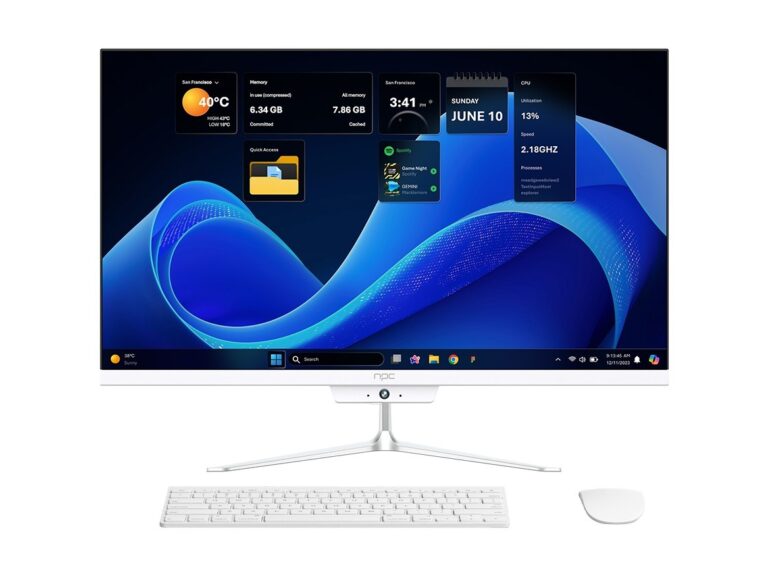
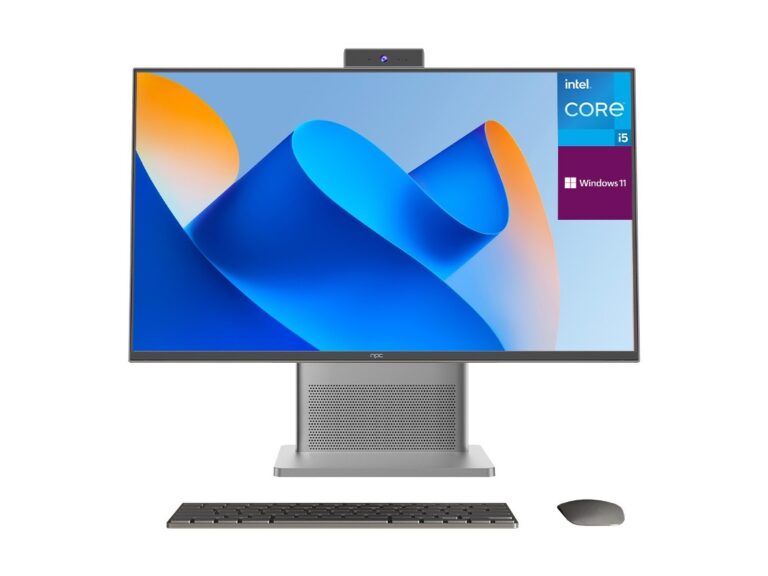
Traditional desktops plus a separate monitor give upgrade flexibility. Laptops offer mobility if you travel. Mini PCs save desk space and let you choose any monitor. Pick an all‑in‑one when you value a compact footprint, neat cable setup, and a single purchase that looks finished right out of the box.
Experience, expertise, and one big industry moment
I’ve tested dozens of compact systems and coached teams on setup choices. At CES in Las Vegas, manufacturers showed how new panels and integrated GPUs are closing the gap between compact designs and performance rigs. That event clarified which features matter now versus what’s marketing noise. For concrete deal hunting and model comparisons, review current options tagged as all in one desktop computer deals so you can spot true value quickly.
Practical buying checklist
Pick the right CPU family, confirm at least 16GB RAM for multitasking, insist on NVMe storage, verify the display type and resolution, check ports and webcam quality, confirm upgrade paths, read warranty terms, and compare recent hands-on reviews. Use your three core apps as a reality check: if a proposed config runs them smoothly, it’ll serve you day to day.
Make it yours
Decide what matters, check real models against that list, and avoid shiny features that don’t improve your work. When the specs align with your use and the price fits your plan, you get a machine that stays out of your way and powers what you do. That practical clarity is exactly the sort of outcome teams and reviewers at npc focus on when matching users to the right all‑in‑one solution.