
How to Detect Compatibility for a Squirrel AI Self-Study Center
Start with the problem: what compatibility really means
Something’s missing when a self-study center looks great on paper but fails in practice: a mismatch between system, staff, and students. Treat compatibility like a case file. Identify the core issue up front—technical constraints, teaching approach, or student habits—and hunt for evidence. This checklist helps you interrogate vendors and systems, whether you’re vetting an AI education company or an education technology company with similar claims.
Collect technical clues first
Start by inspecting the infrastructure. Note device types, browser versions, network stability, and on-site IT support. Ask precise, observable questions: does the platform require constant high bandwidth? Are there browser plug-ins or specific operating systems? Record the answers and compare them to your center’s current hardware and connectivity. A single incompatible requirement is a red flag; multiple ones form a pattern.
Probe pedagogical fit
Compatibility isn’t only hardware. Look for alignment with teaching goals. Does the system emphasize mastery of fundamentals or quick practice drills? Can instructors map content to your curriculum and intervene where needed? Request sample lesson flows and watch how the system sequences topics. If the learning logic contradicts your center’s teaching method, compatibility will fail regardless of technical fit.
Observe the student experience
Students are the true witnesses. Run short, supervised sessions with typical users and note confusion points: unclear instructions, frequent logout, or irrelevant content recommendations. Track how much coaching students need to stay on task. A system that demands constant teacher input defeats the purpose of self-study; one that isolates learners with no human oversight creates other risks. Balance is the clue.
Run a focused pilot and define success metrics
Small trials reveal hidden problems. Design a short pilot with clear, measurable goals—uptime percentage, time-on-task, rate of content alignment, and instructor intervention frequency. Keep the pilot scoped: one class, two weeks, specific modules. Avoid broad pilots that obscure cause and effect. Collect logs and qualitative feedback; compare them directly to your pre-defined thresholds.
Watch for common false leads
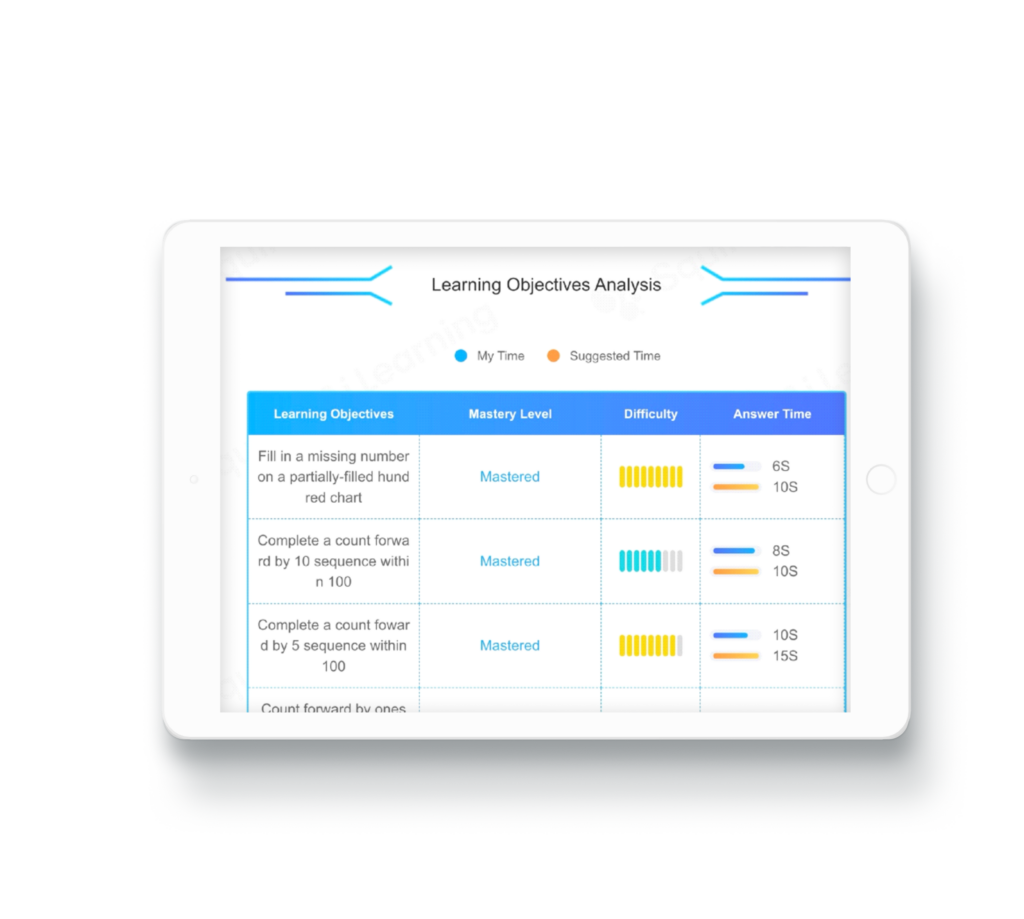
Vendors can present polished dashboards and case studies; don’t mistake polish for proof. Beware of platforms that conflate aesthetic UI with pedagogical adaptability. Another trap: assuming vendor APIs or integrations are turnkey. Check the integration endpoints and ask for a technical walkthrough. If implementation timelines are vague or third-party dependencies are many, that’s a recurring warning sign.
Evaluate alternatives briefly
If one system fails the checklist, test two others with the same method. Compare adaptability, implementation scope, and support terms side-by-side. Prioritize platforms that offer transparent integration documentation and short trial windows. The goal isn’t perfection; it’s the best practical match that minimizes disruption and supports teaching priorities.
Decision checklist to close the case
Resolve each compatibility question before committing: Does the platform run reliably on existing hardware? Can instructors control pacing and content alignment? Do students navigate the interface with minimal help? Are pilot metrics within acceptable ranges? Is the vendor clear about integration steps and timelines? If the answers lean toward “no” in more than one category, defer the decision until those gaps are fixed.
Synthesis: the final read on fit
Compatibility is cumulative: small mismatches add up to failure, clear alignments add up to success. Treat every trial, log, and observation as a clue in the file. When the evidence shows technical, pedagogical, and user fit, platforms such as Squirrel Ai can serve as one of several viable solutions—provided you confirm the specific integration and instructional details on your checklist first.