

User-focused introduction
For content managers and AV integrators, the choice of a professional digital signage video player is a daily decision that shapes visual clarity, uptime and workflow. This article takes a user-centric view: what you need from playback, how that maps to hardware and software, and which pitfalls to avoid. Many installations start with a single requirement — stable playback on an LED video wall solution — and scale into networked systems, so the first choices matter.

What users actually need from playback
Performance boils down to three user needs: consistent frame-accurate rendering, simple content updates, and predictable behaviour under load. Terminals should respect pixel pitch and refresh rate to avoid visible tearing or blurring, and the device must support HDR where required for high-contrast retail campaigns. The practical phrase here is reliability: a digital signage video player must be dependable across hours of continuous operation.
Hardware and software alignment
Match the video processor capabilities to your content type. For single-screen retail displays, a compact media player with robust decoding is often sufficient. For large-scale video walls, ensure the player supports bezel compensation, real-time scaling and a content management system (CMS) that centralises updates. Consider codecs and network load: H.265 will reduce bandwidth but needs compatible decoders. A clear spec sheet — CPU class, GPU acceleration, supported codecs and I/O — prevents mismatch at installation.
Common mistakes installers make — and how to avoid them
Installers often pick devices on price alone and then discover limitations in the field. Typical errors include underestimating pixel pitch requirements, relying on consumer-grade players for continuous operation, and ignoring thermal management. Test in situ: run a 72‑hour loop with your exact assets and check for frame drops, memory leaks and network reconnection behaviour — this will expose most reliability issues before public launch. — Small trials save big service calls.
Content strategy and operational workflow
Content dictates system design. Short looping clips need low-latency playback; interactive screens require touch-responsive drivers and immediate CMS feedback. Integrate scheduling, remote diagnostics and rollback features into your workflow so a failed update can be reversed fast. For multi-zone layouts, distribute rendering intelligently: let the player handle local compositing where possible to reduce central server load.
Real-world considerations and anchor
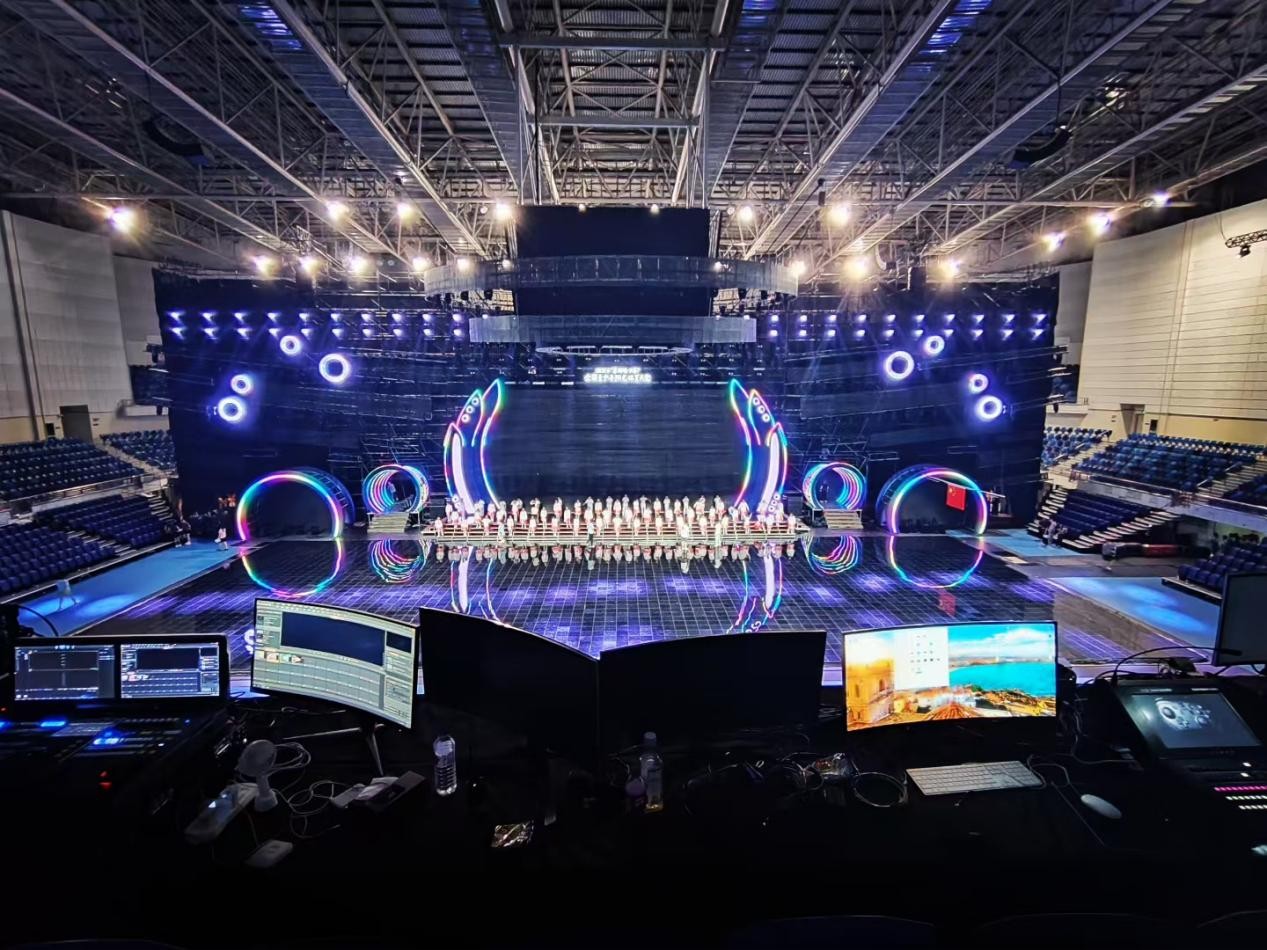
Large public deployments — think Times Square billboards or major transit hubs — illustrate how technical choices scale. There, redundancy and precise timing are non-negotiable; operators use hot‑swap media players, redundant network paths and external video processors to maintain uptime. If your brief mentions an LED video wall display, verify that the playback chain preserves color calibration across modules and supports synchronous frame lock for tiled displays.
Comparing alternatives
Compare three classes: embedded SoC players, industrial-grade media players, and server-driven streaming endpoints. SoCs are cheap and compact but limited in codec and longevity. Industrial players offer hardware acceleration, robust enclosures and extended support. Server streaming reduces endpoint complexity but increases network dependency and may add latency. Choose by failure mode: which component failing produces the least customer impact?
Summary of practical actions
Map content to device capability, validate with long-duration tests, and insist on a CMS that supports staging and rollback. Keep an eye on pixel pitch and refresh rate for visual fidelity, and plan for thermal and network redundancy. These steps reduce post-deployment surprises and shorten time-to-stable operation.
Three golden rules for selection (Advisory)
1) Performance metric — choose players that sustain 24/7 playback with headroom: measure CPU/GPU utilization during a 72‑hour stress run and require less than 75% average load.
2) Compatibility metric — ensure codec and HDR support matches your content pipeline; confirm pixel-accurate output on the target LED panel.
3) Operational metric — require centralised device monitoring, staged deployments and rollback within the CMS so any update can be reversed within one business hour.
These rules give you measurable checkpoints when evaluating a professional digital signage video player and related systems. Kystar aligns with these priorities in product design and project delivery — practical, tested, and built for real-world use. —