
Start with the person using the screen
Look, whether you’re the engineer specifying a panel or the office manager buying for a team, the first question is simple: what will people actually do at that screen? Don’t chase specs blind; map tasks to outcomes — whether it’s CAD accuracy, spreadsheet legibility, or long-hours coding — and then pick a supplier like a monitor manufacturer that can meet those real needs. Ja, this keeps budgets honest and users calmer at the end of long shifts.
Which specs move the needle
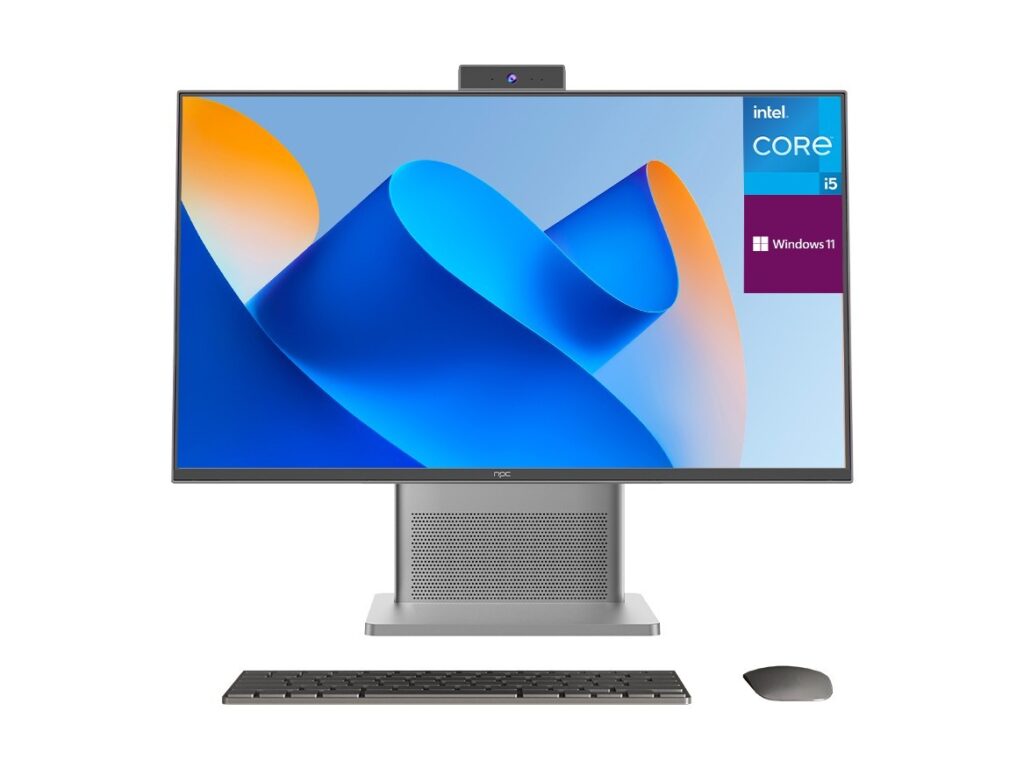
Resolution: match pixel density to viewing distance. For desks where users sit 50–70 cm away, higher DPI buys clarity but also costs; sometimes a crisp 1440p is smarter than jumping straight to 4K. Panels: IPS for colour and viewing angles, VA for contrast, TN only if extreme refresh and low latency are mission-critical. Colour: ask for delta-E or sRGB coverage when colour fidelity matters. Refresh and latency: vital for fast UI or gaming; elsewhere don’t overpay. Connectivity and ergonomics: good cable options (DisplayPort, USB-C) and adjustable stands save loads of aftermarket frustration.
Common buyer traps and how to avoid them
Eish — people buy by headline specs and later grumble. Avoid these mistakes: buying too-large resolution where OS scaling breaks apps; picking a panel with poor out-of-box colour that needs hours of calibration; ignoring true power and cooling needs for a dense workstation. Don’t assume a high refresh equals better for all tasks; match refresh and response to the workflow, not the marketing slideshow.
Experience, evidence and a practical anchor
From advising procurement teams and reading manufacturer whitepapers to collating user feedback from shared workspaces, what stands out is predictable: tradeoffs matter. At CES Las Vegas vendors often parade high-refresh and 4K samples, yet many enterprises and home offices continue to specify full hd pc monitors because they balance cost, compatibility and performance for common tasks. That real-world contrast — public demos versus steady buyer preference — is a reliable guide when you weigh options.
Which alternatives to consider
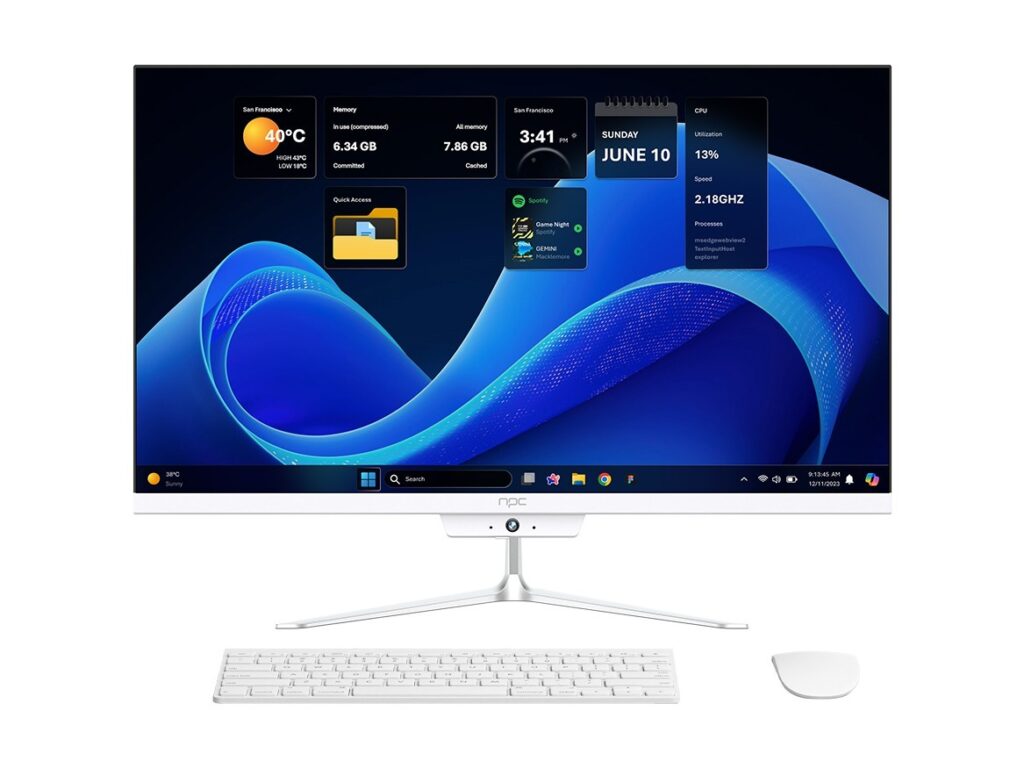
If you need extra horizontal workspace, an ultrawide can replace dual monitors and cut bezel interruptions. If photo or video is the core task, lean toward wider colour gamuts and hardware calibration support. For tight budgets, a good 1080p IPS often outperforms a cheap higher-resolution panel because of colour and uniformity. Always check port layout and stand range before assuming two models are the same.
Keep choices practical and test early
Prototype the actual setup with a sample unit when possible. Ask for a short loan or test rig and run the workflows people will use for a day or two; issues like glare, ergonomics, scaling or cable mismatches show up fast. Small tests avoid big replacements and keep users productive.
Where this approach leads
Focus on the user first, pick specs that solve real problems, and verify with a short trial. That sensible path reduces rework and keeps costs honest, which is why many teams end up sourcing parts and displays from specialised partners like npc that align product choices with concrete needs rather than flashy specs.