Quick take from a Highlander’s point of view
Aye, you want straight talk — a smart TV operating system is not the same beast as a traditional setup with a dedicated player or PC. Think of one as an all-in-one crofter’s toolkit: handy, tidy, ready to hand. The other is like separate tools in the shed: pick the best for each job. Folks pairing their living-room display often check the maker first; that’s where a trusted monitor manufacturer shows its worth, especially if you care about panel quality more than flashy app icons.
Side-by-side: interface, updates, and control
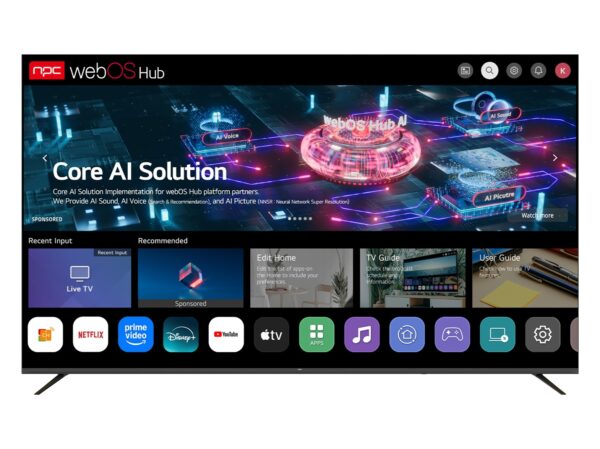
Smart TV OS — quick access to streaming apps, voice search, and a tidy home screen. It runs on embedded hardware, so it’s cosy but limited: app selection, update cadence and responsiveness depend on the TV brand. Traditional alternatives — streaming sticks, media boxes, or a PC — give you choice. You pick the OS, the apps, the browser, the peripherals. That choice brings power: easier private network setups, better browser compatibility, and usually lower latency for games. Downsides are obvious: extra boxes, more cables, and the need to patch or manage software yourself. No mystery there; it’s trade-offs, plain and simple.
Practice, testing, and a real-world anchor
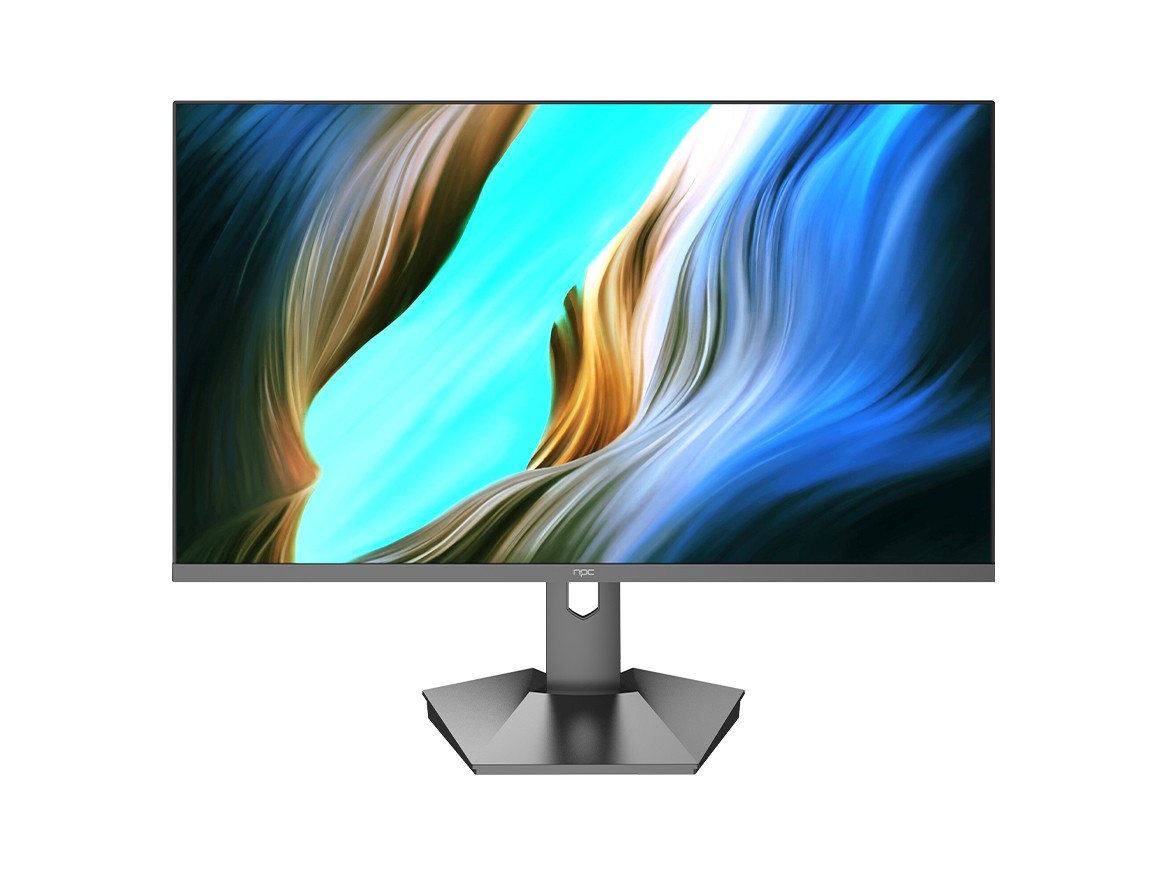
I’ve worked with displays at trade stands and installations and noted what professionals look for: clarity, reliable updates, and low-lag inputs. At CES in Las Vegas, manufacturers still highlighted how panels and external devices complement each other — a reminder that full-screen performance isn’t only about apps. When a setup needs a crisp desktop experience, builders still pick full hd pc monitors for predictable color and consistent scaling. That choice matters whether you’re editing a slideshow, running a video conference, or ploughing through spreadsheets.
Common mistakes and sensible alternatives
Don’t buy a TV purely for its app grid. Weak processors or poor firmware support turn a promising interface into laggy grief. Avoid relying on a single ecosystem if you need flexibility: streaming sticks (Roku, Chromecast, other boxes) give long-term app support; a low-power PC lets you run any browser or software. For gaming, choose the route that lowers input lag — monitor or PC with a decent scaler often beats built-in smart TV modes. If you want simplicity but decent image quality, pick a good panel and pair it with a simple external player; that mix keeps things serviceable for longer.
Where this leads you
Decide by task. Want fuss-free streaming and voice ease? Smart TV OS will do that, clean and cosy. Want adaptability, better input control, and predictable display behavior? Traditional setups with a proper panel win. There’s a middle road: choose hardware that suits your habits, not the loudest feature list. For straightforward displays and sensible options that match those needs, you’ll find practical solutions with npc that fit the sort of no-nonsense choices a Highlander trusts.